Zihao Zhang, Ph.D. Associate Professor of Landscape Architecture City College of New York
Who’s in the room?
Four quick questions, to know the room.
Hands up if you use GIS in your work or studies.
Hands up if you use Grasshopper or any scripting.
Hands up if you have used a chat assistant for work or school.
Hands up if you have used an agent that edits files for you.
By the end of this session, you will be able to
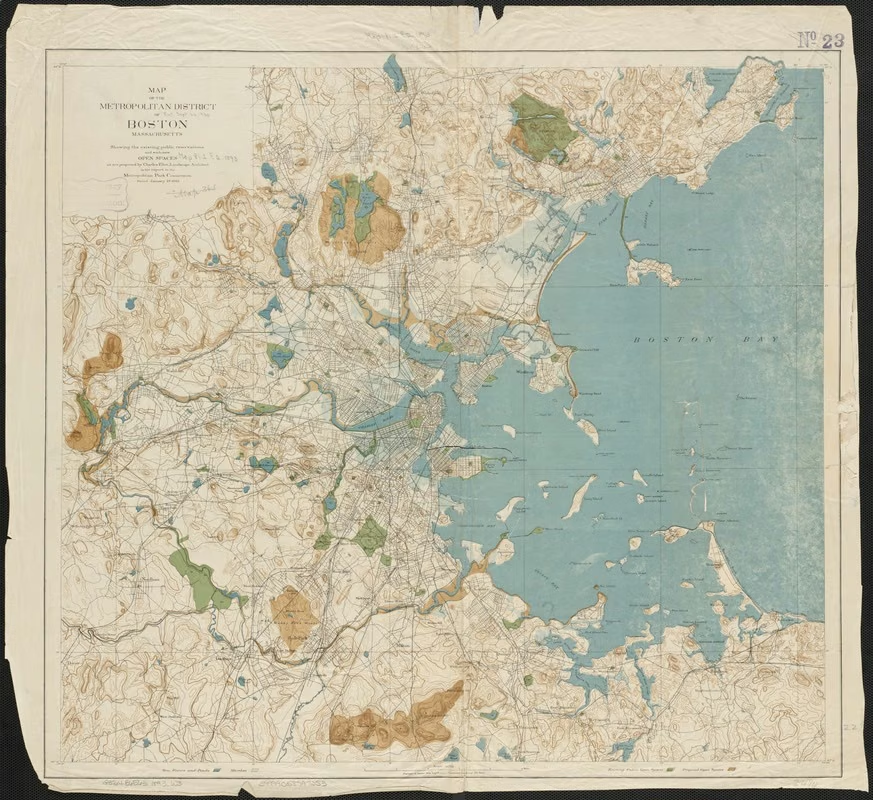
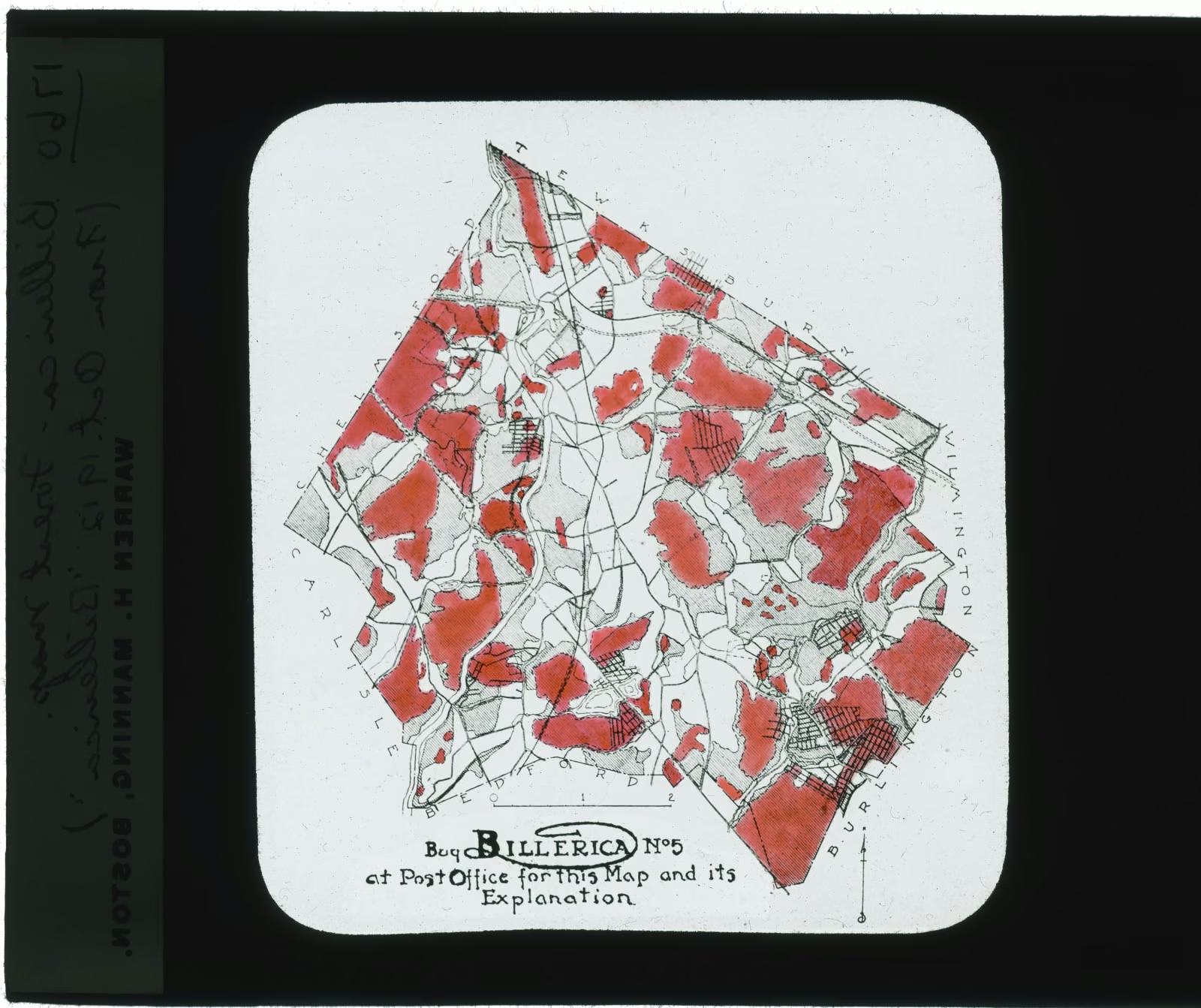
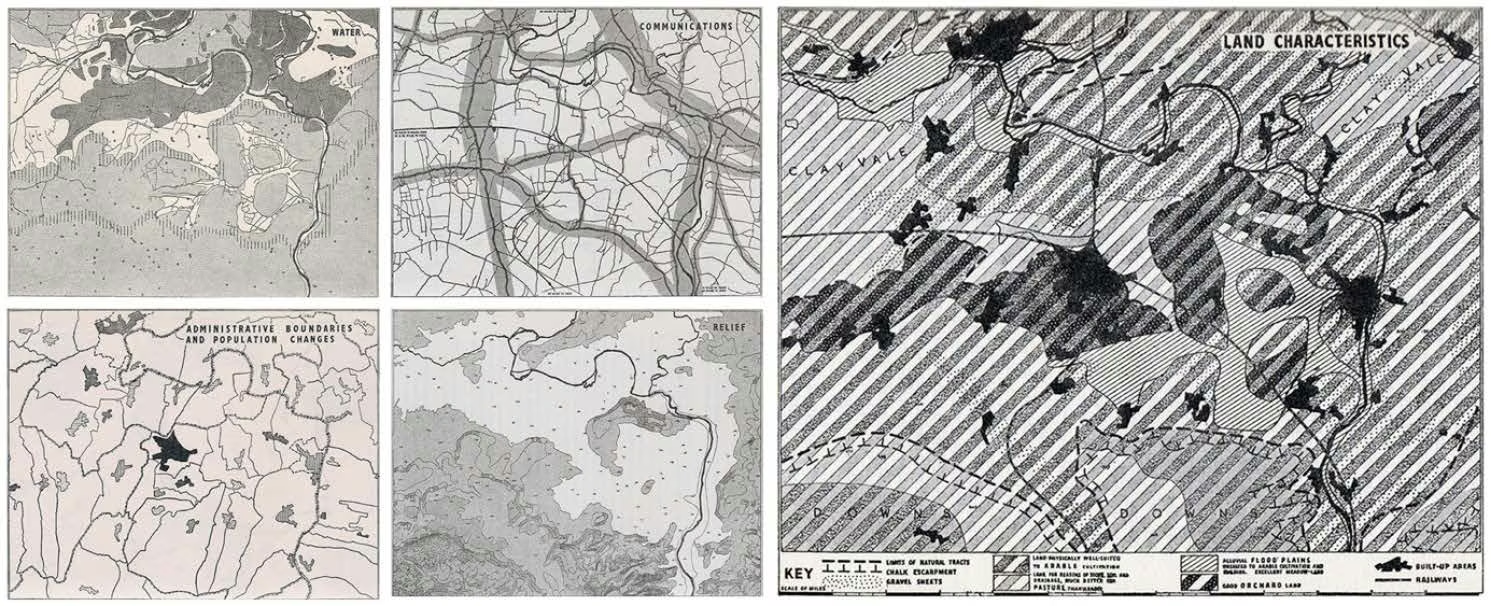
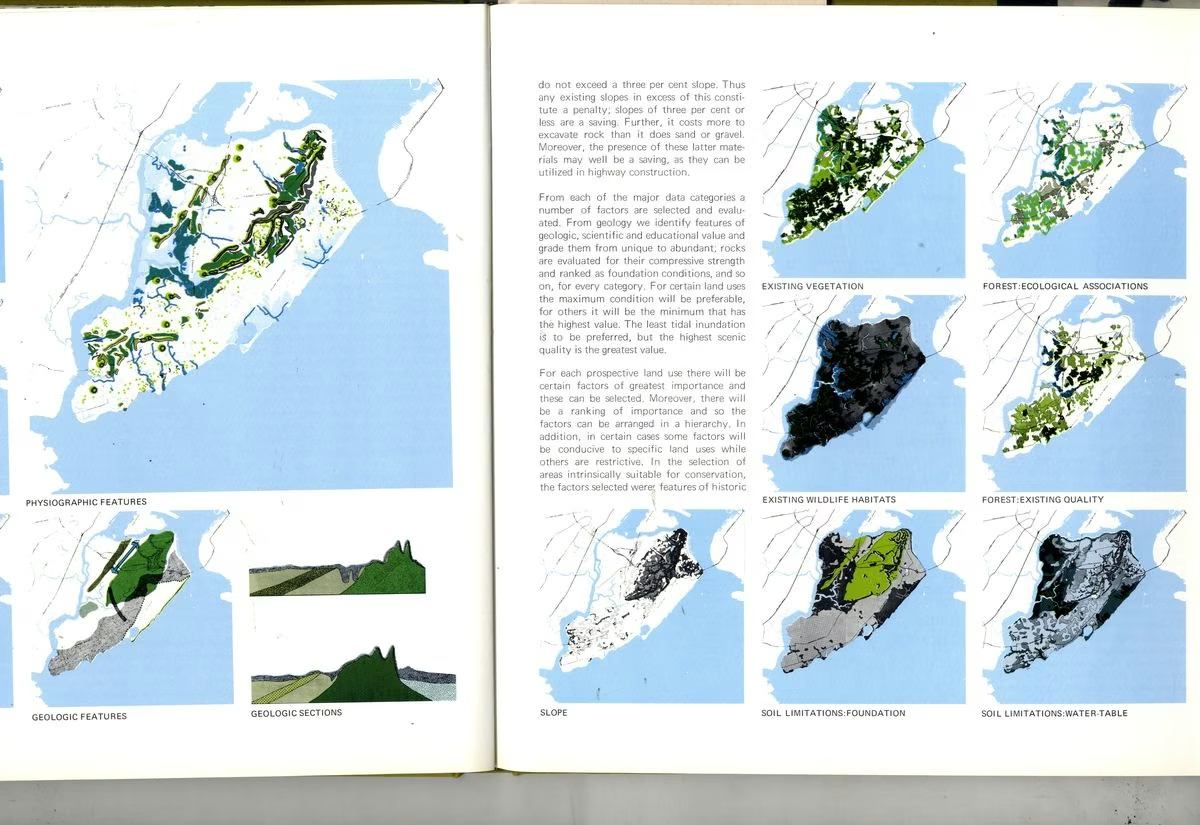
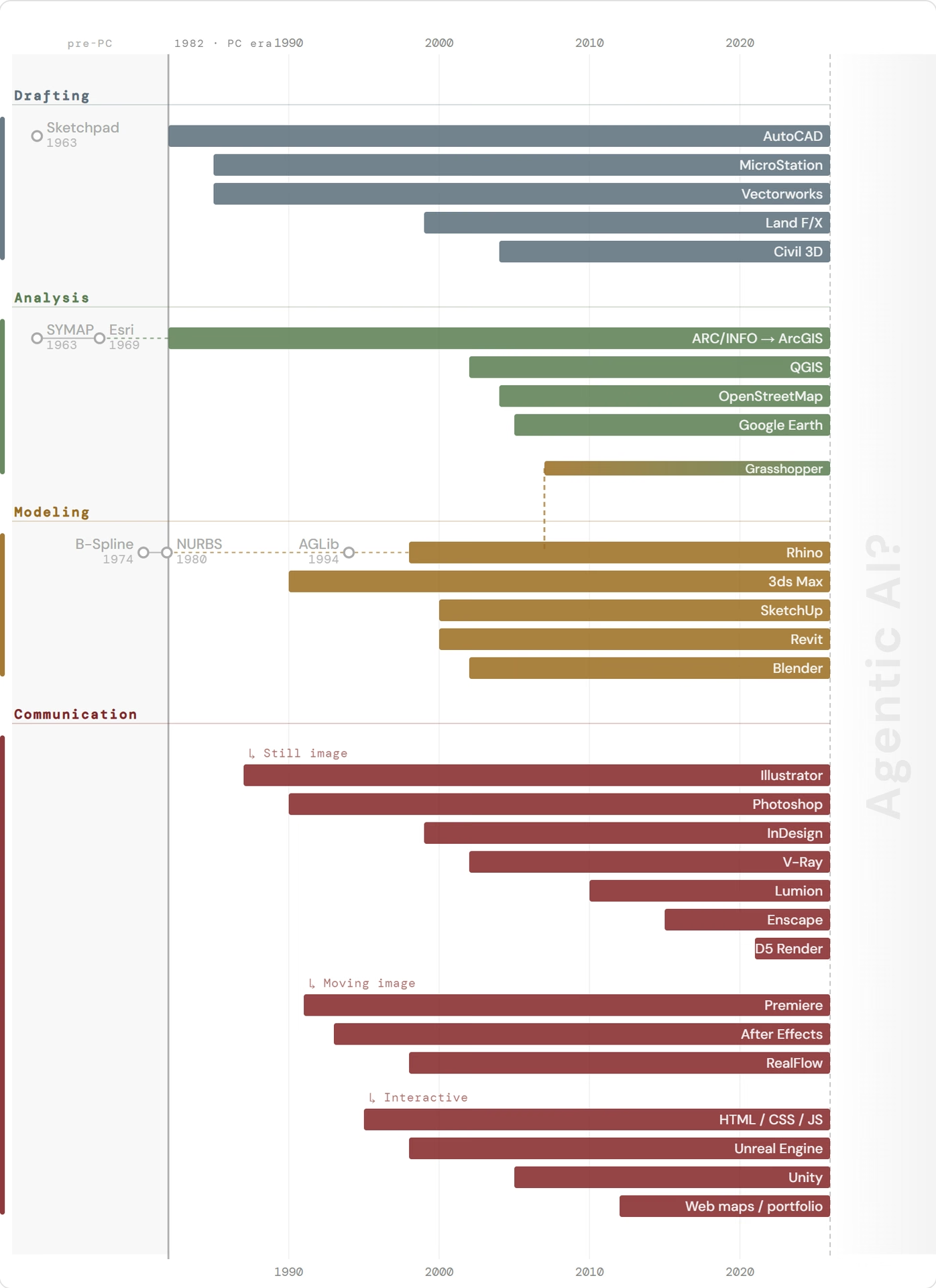
Trace how computational thinking has appeared in design practice, from overlay mapping to GIS, CAD and parametric modeling, and consider where AI agents sit among these tools.
Explain how an agent differs from a chat assistant, and how MCP connects an agent to software you already use.
Apply folder structure and a written context file to control what an agent knows across working sessions.
Evaluate which tasks in your own work can be delegated to an agent, weighing verification, confidentiality, cost and time.
Part 1
Computational thinking in design, a short history
Part 2
How agents work, and MCP
Part 3
Context through folder structure
Part 4
Discussion
Part 5
Try it yourself
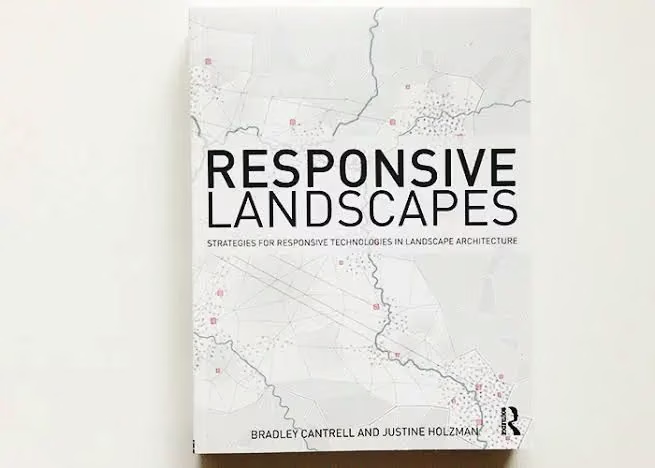
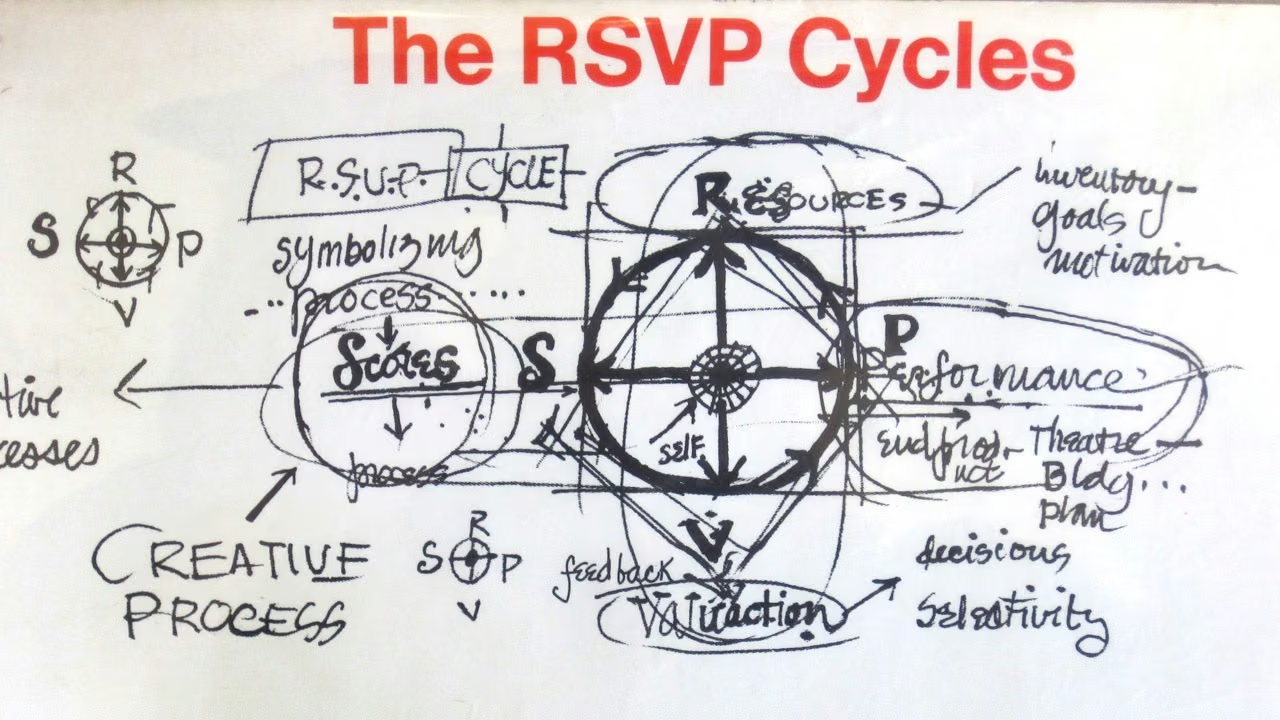
“Scores communicate but do not control.”
Part 1
Computational thinking in design, a short history
Part 2
How agents work, and MCP
Part 3
Context through folder structure
Part 4
Discussion
Part 5
Try it yourself
A chatbot is a person in a locked room
Chat assistant
Agent
Interaction
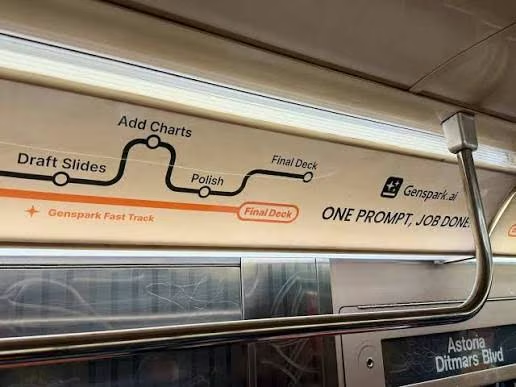
One prompt, one response
Breaks a task apart, acts, checks, repeats
Reach
Text out; no hands, no eyes
Files, a terminal, a browser, connected software
Memory
What you pasted in
The folder it works in
Your role
Word each question well
Delegate a goal; review the result
MCP is the key to the door.
Several companies make coding agents
Claude Code (Anthropic), Codex (OpenAI), Cursor (Anysphere), Gemini CLI (Google), and others. All of them work inside a folder on your computer.
They share open standards: MCP to connect software, AGENTS.md for a project’s instructions.
The examples today use one of them. Naming them is not an endorsement.
Check-in: what would you want an agent to open for you first?
Part 1
Computational thinking in design, a short history
Part 2
How agents work, and MCP
Part 3
Context through folder structure
Part 4
Discussion
Part 5
Try it yourself
Two kinds of memory
The conversation
The folder
Lasts
This session
As long as the project
Use it for
Steering today’s work
Decisions that should outlive today
Everyday equivalent
A phone call
The project folder, the standards binder
Said it twice? Ask the agent to write it into the file.
The project’s standards manual
The agent reads AGENTS.md at the start of every session (some tools read CLAUDE.md).
Tell the agent what to add, and it writes the file.
Keep it short, and ask the agent to audit it now and then.
AGENTS.md
# Riverside Studio website

Small LA practice, 8 people, Queens.
Plain HTML, published on GitHub Pages.

## Folders
_source/    photos + text from the team;
            read, never publish
projects/   one page per project
assets/     images, built from _source/

## Rules
Images: long edge 1920 px.
Office facts live in office.md.
Ask before deleting anything.
✗Vague names: opened one by one
website/
├─ notes.txt
├─ page3_final_v2.html
├─ page3_final_v2 (1).html
├─ NEW/
│   ├─ IMG_4471.jpg
│   ├─ IMG_4472.jpg
│   └─ Untitled-1.html
└─ old stuff/
    └─ use this one.docx
Designer websites, built with Claude
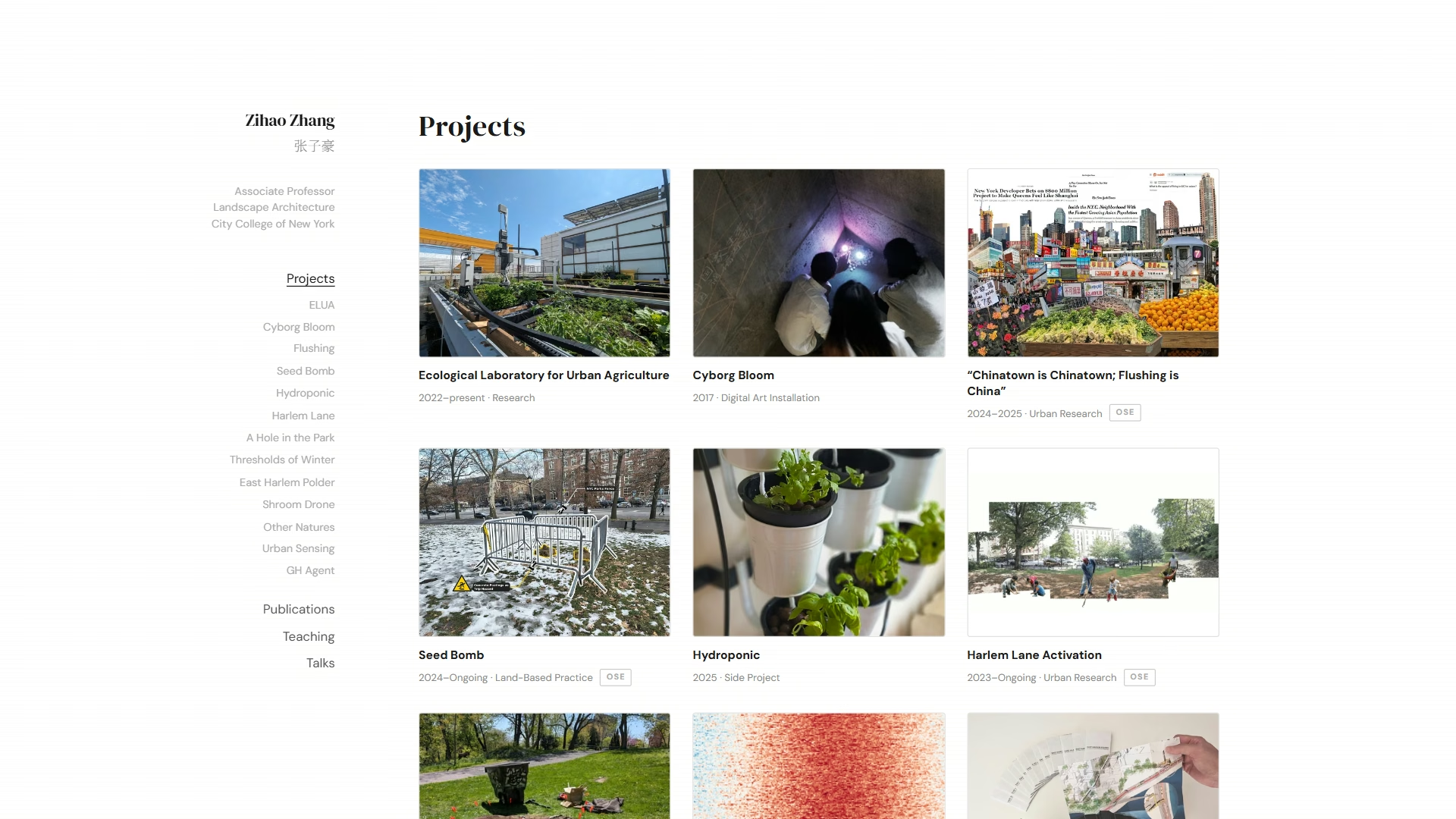
zihaozhang.cc: projects, CV, teaching, talks. One person, no web designer.
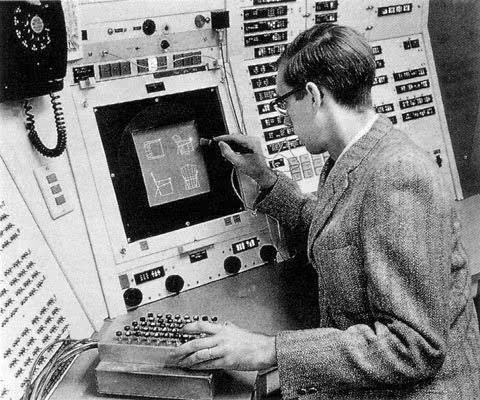
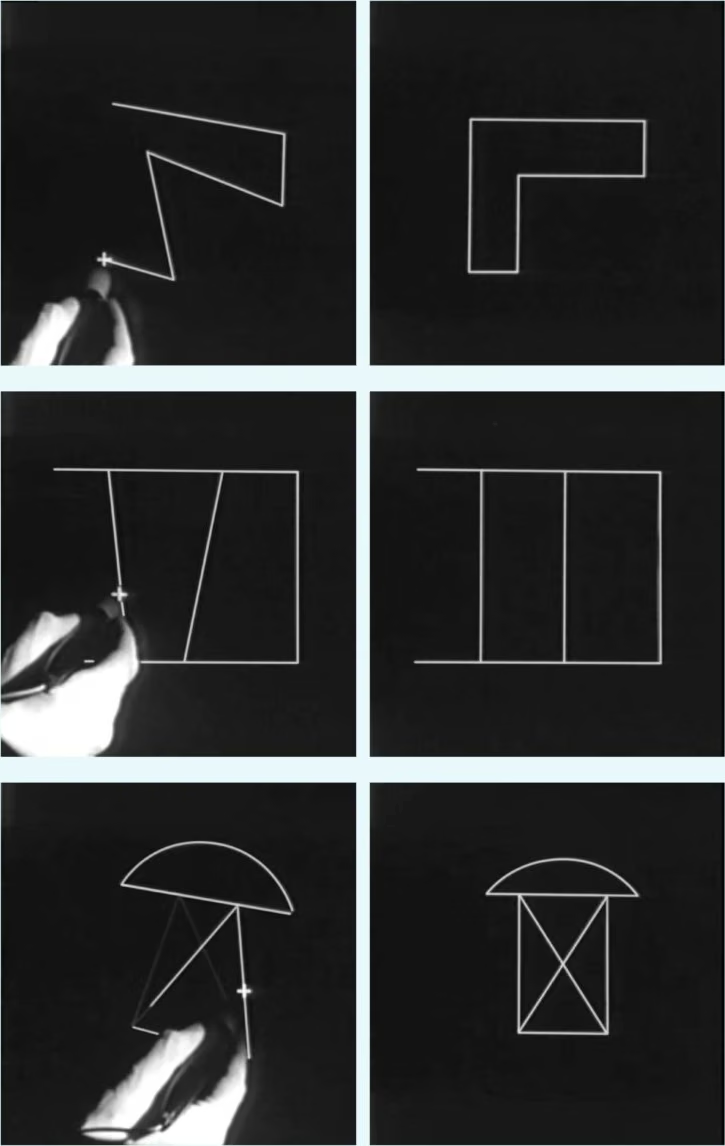
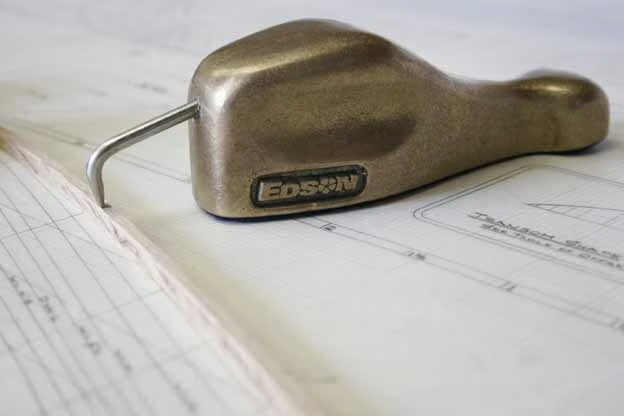
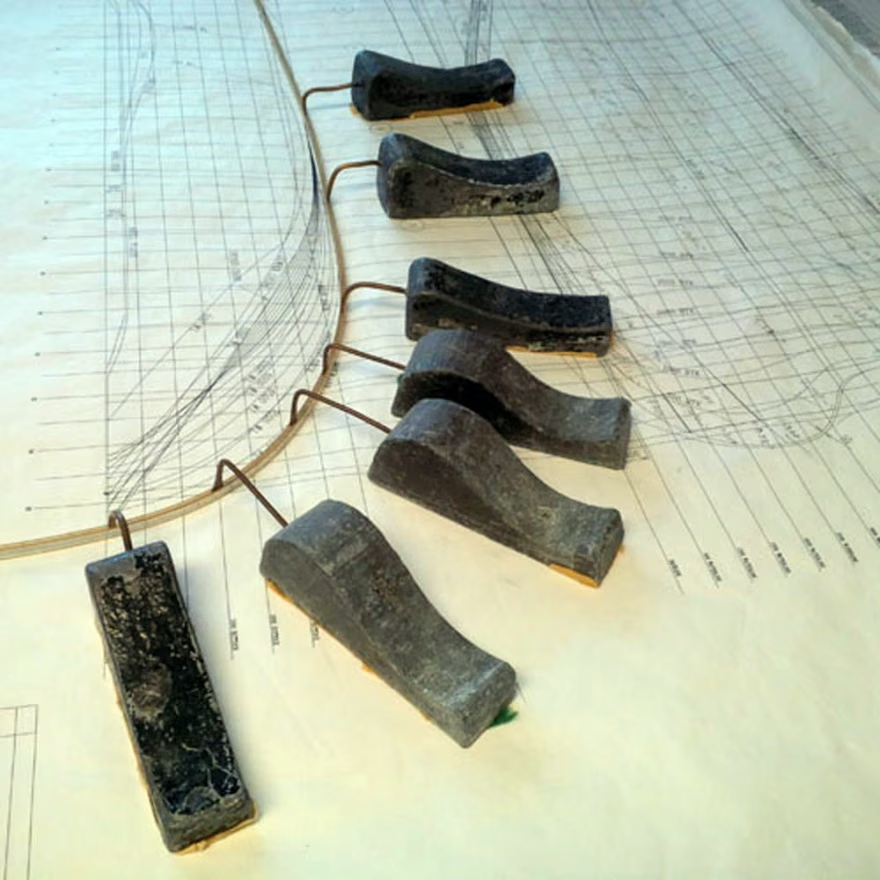
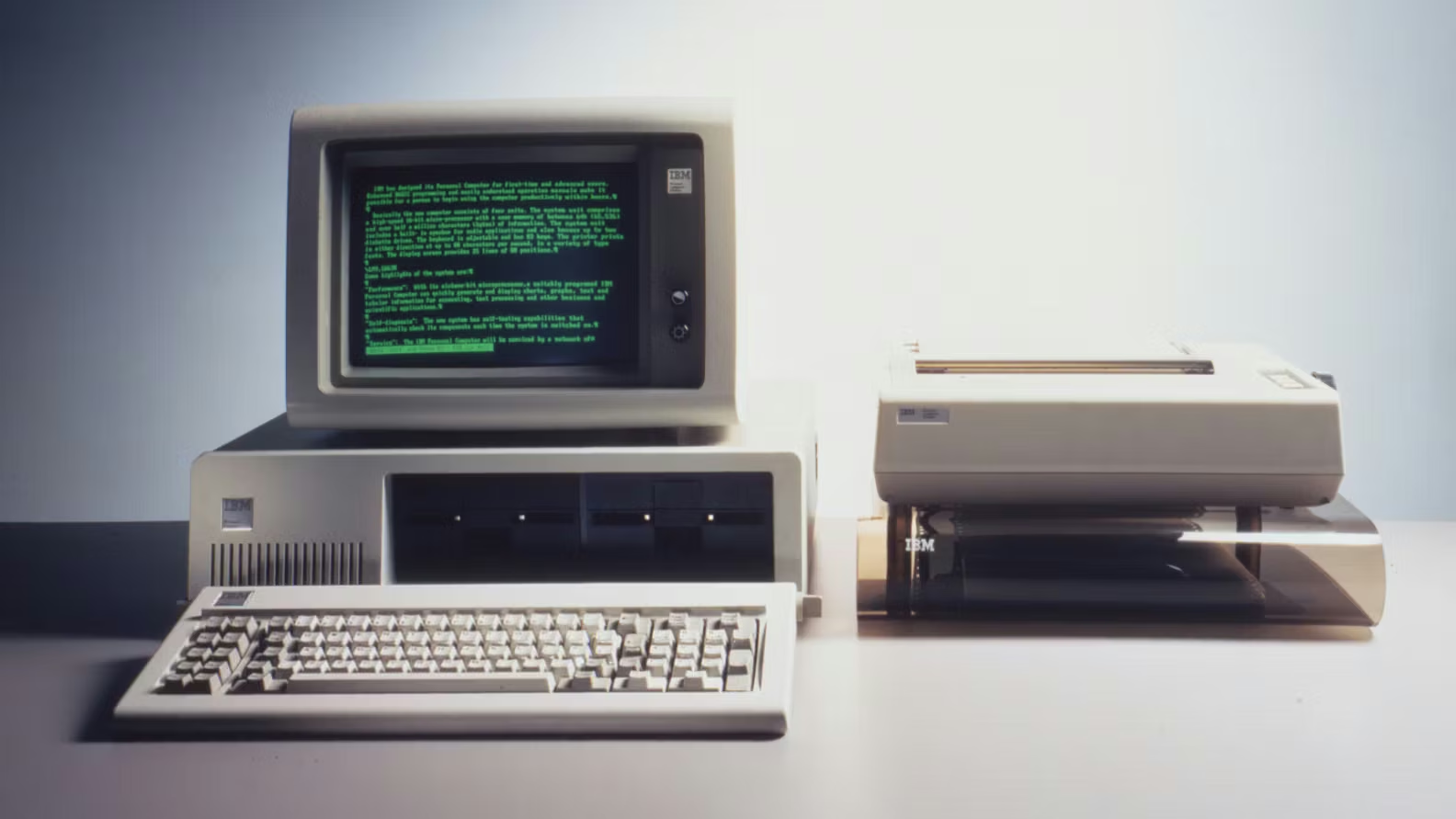
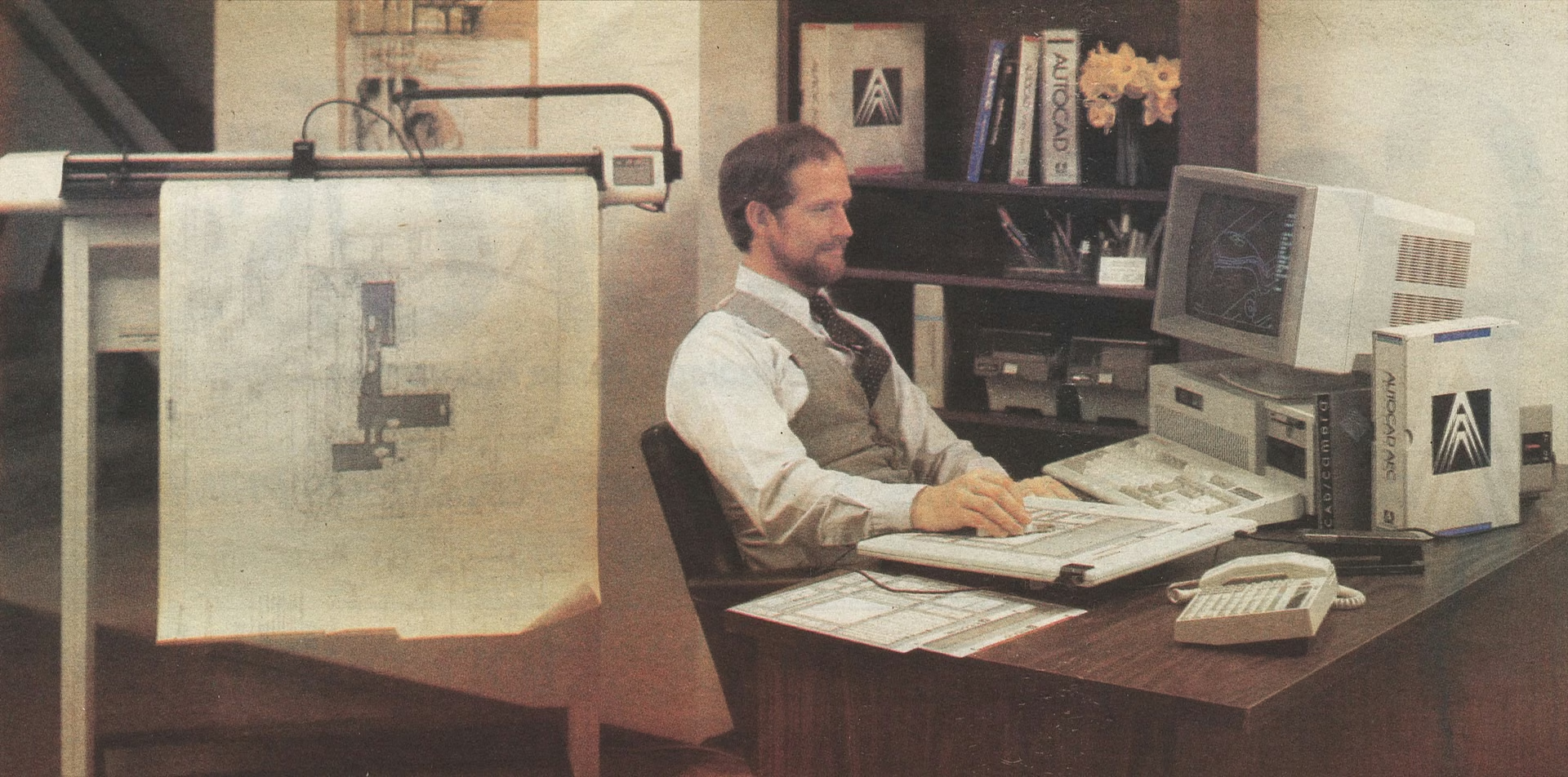
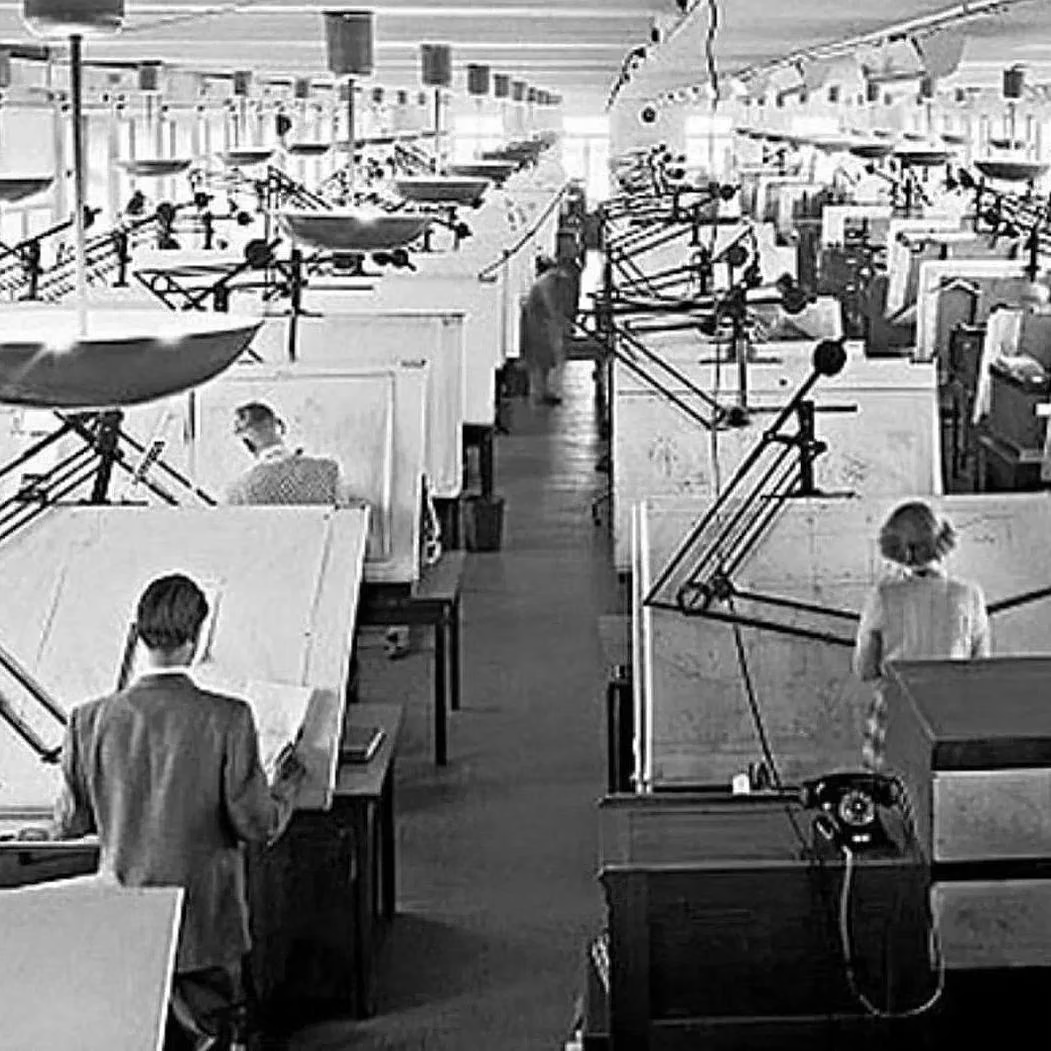
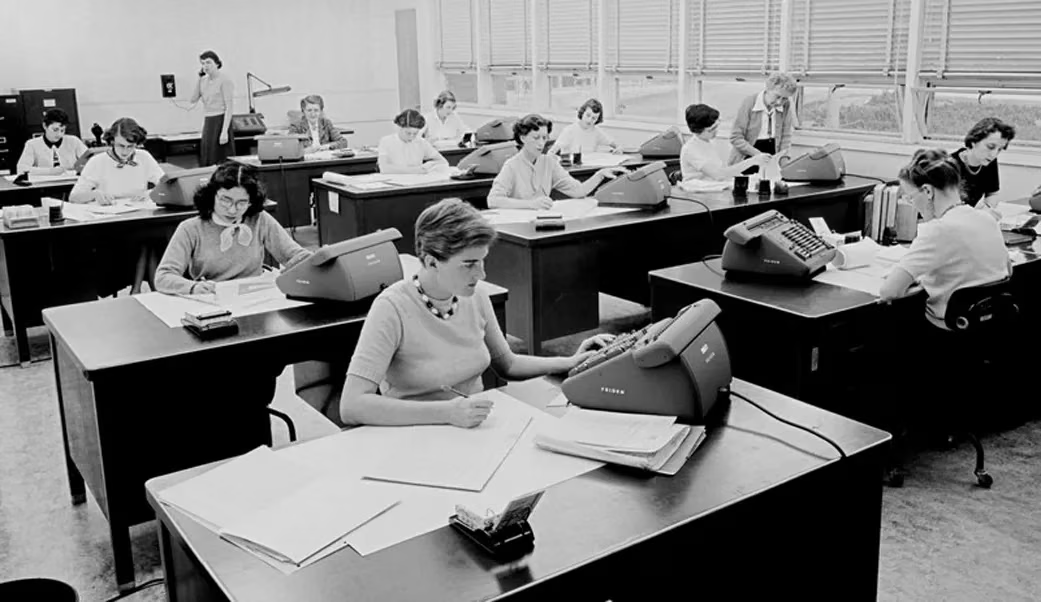
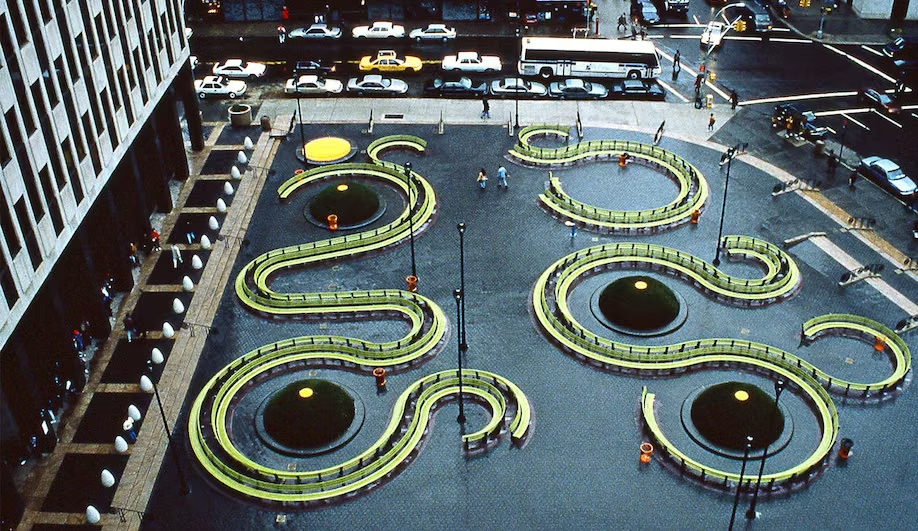
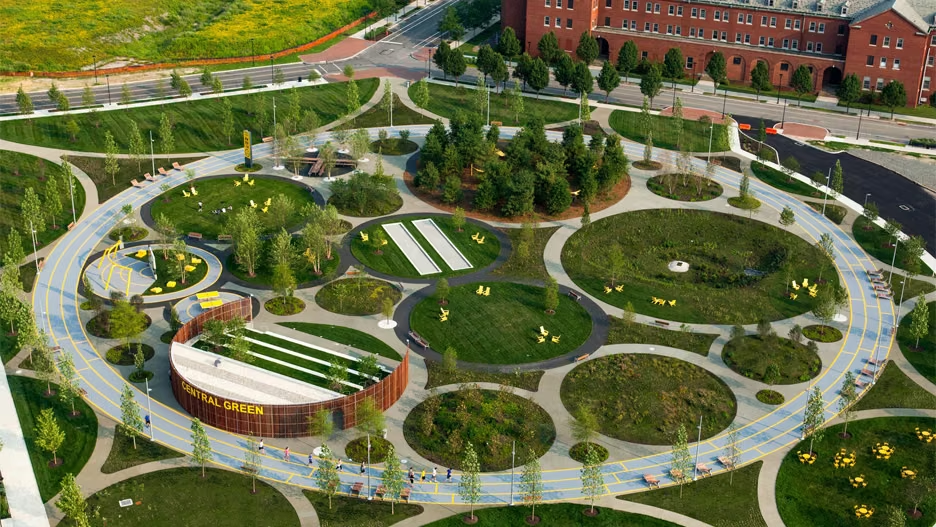
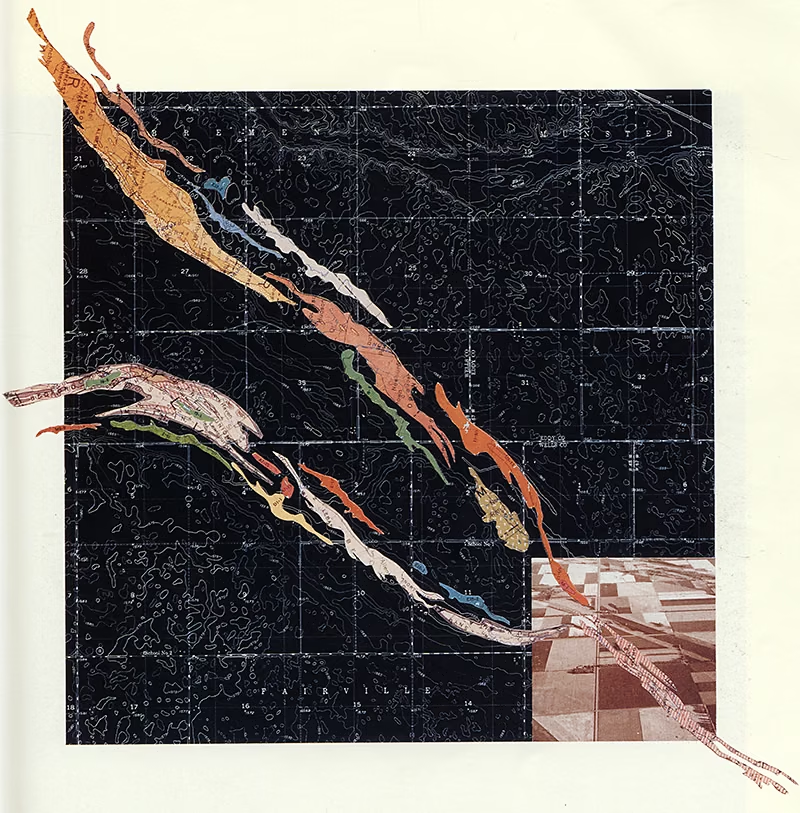
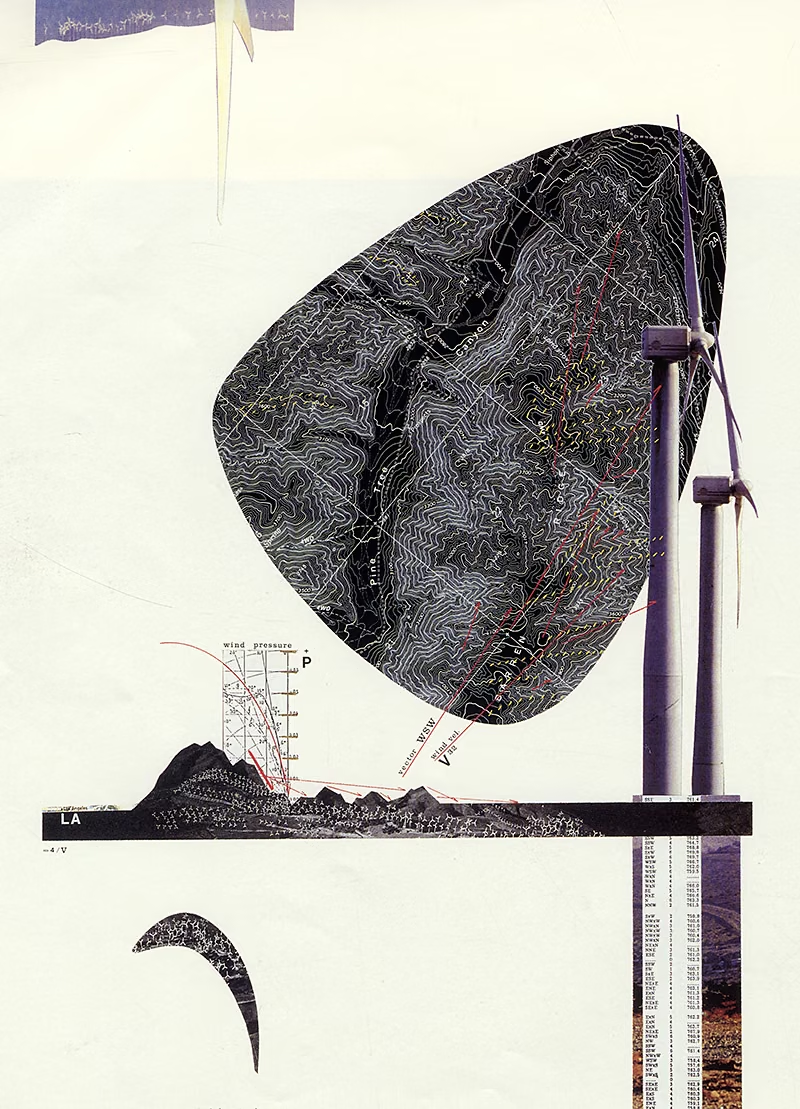
A talk for landscape architects, designers and students on AI agents: tools that work inside a project folder, read and edit its files, and connect to software you already use. It starts from a claim about the profession. Landscape architects have always done computation, first on layers of mylar and later in GIS, CAD and Grasshopper, and almost none of those tools were built for the discipline. Agents are the first tools a designer can reshape around their own work by describing what they want.
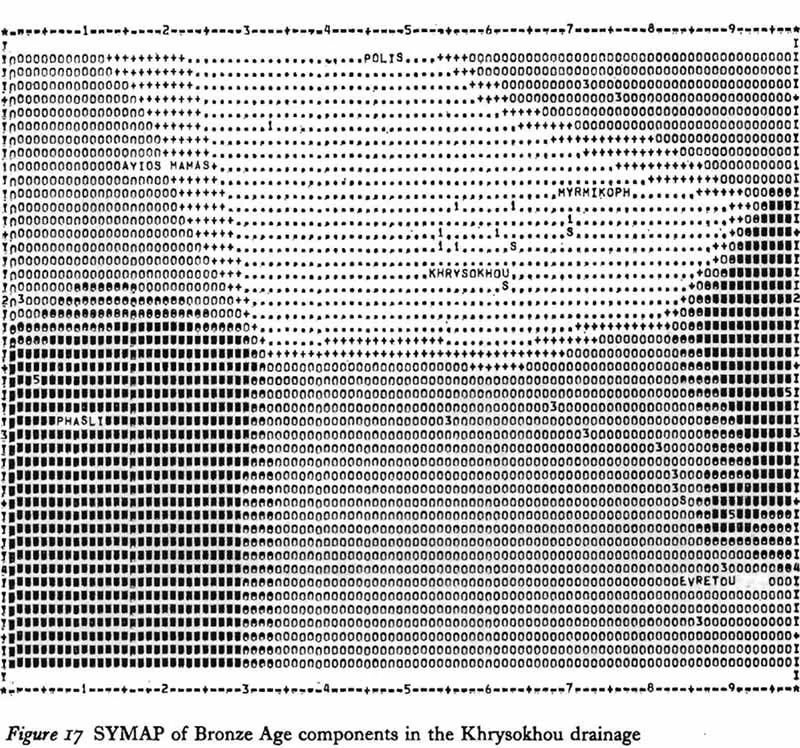
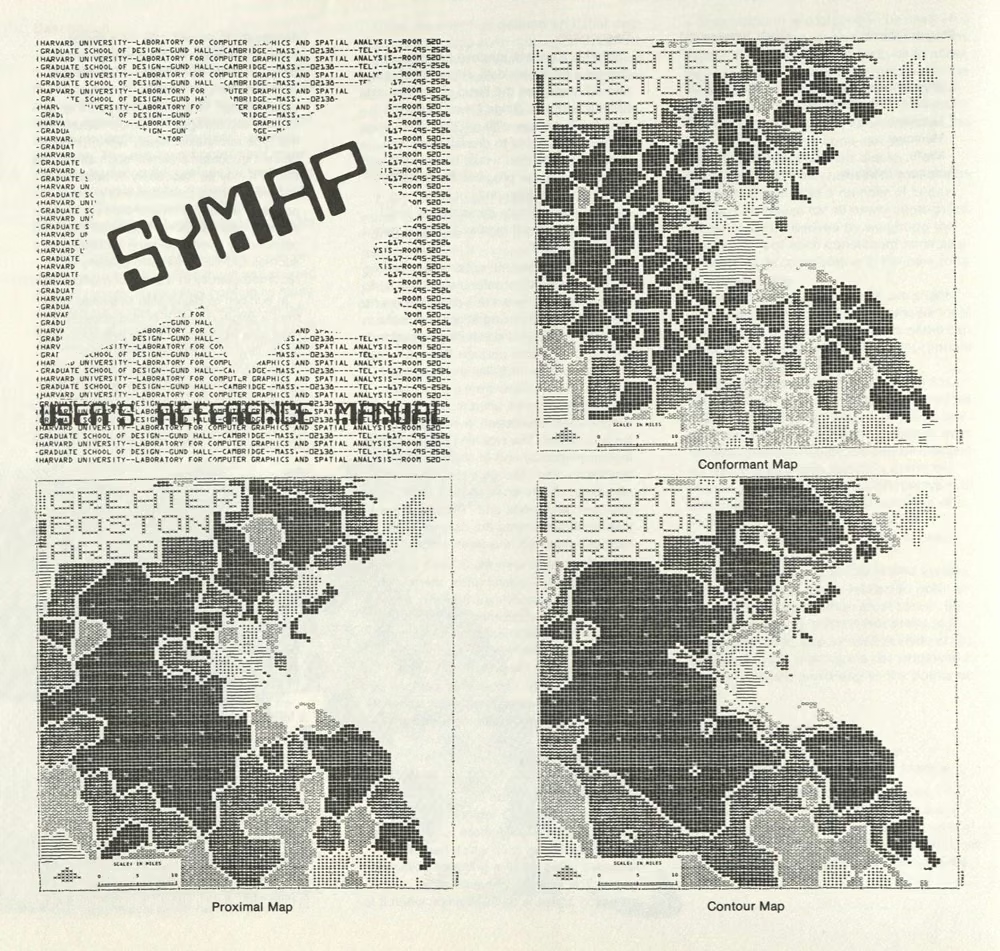
The talk looks at computational thinking in the design professions, from Eliot’s and McHarg’s overlays through SYMAP, AutoCAD and parametric modeling; explains how an agent differs from a chat assistant and how the Model Context Protocol connects it to programs like Rhino; and shows how folder structure and a short context file, written and maintained by the agent itself, carry a project across working sessions. It closes Part 3 with the workflow behind this website, from setup to the daily routine. A discussion follows on what designers would hand over, what they would keep, and the conditions an agent must meet before it touches client or confidential files. The last part points to two hands-on guides, for anyone who wants to try it in the room or later.
Two step-by-step guides continue the hands-on work:


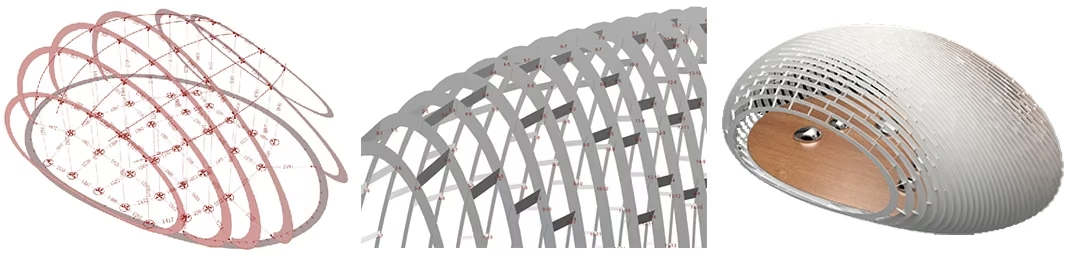
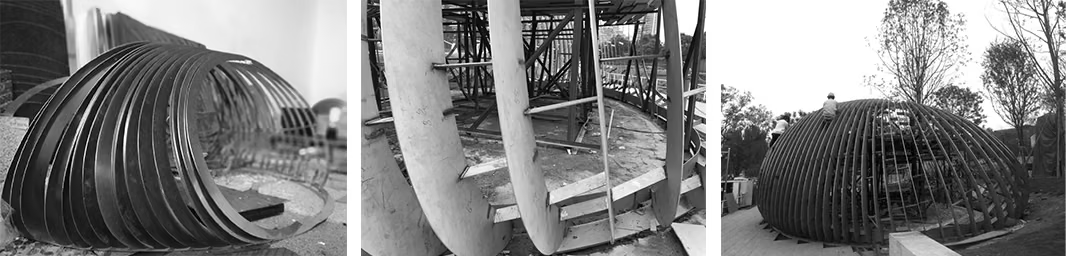
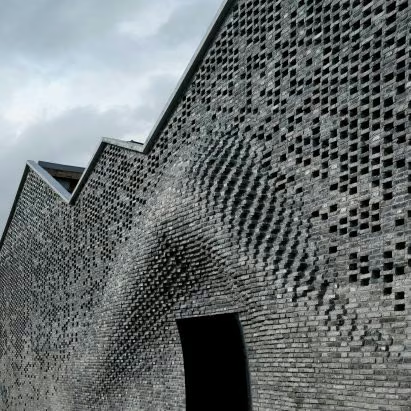

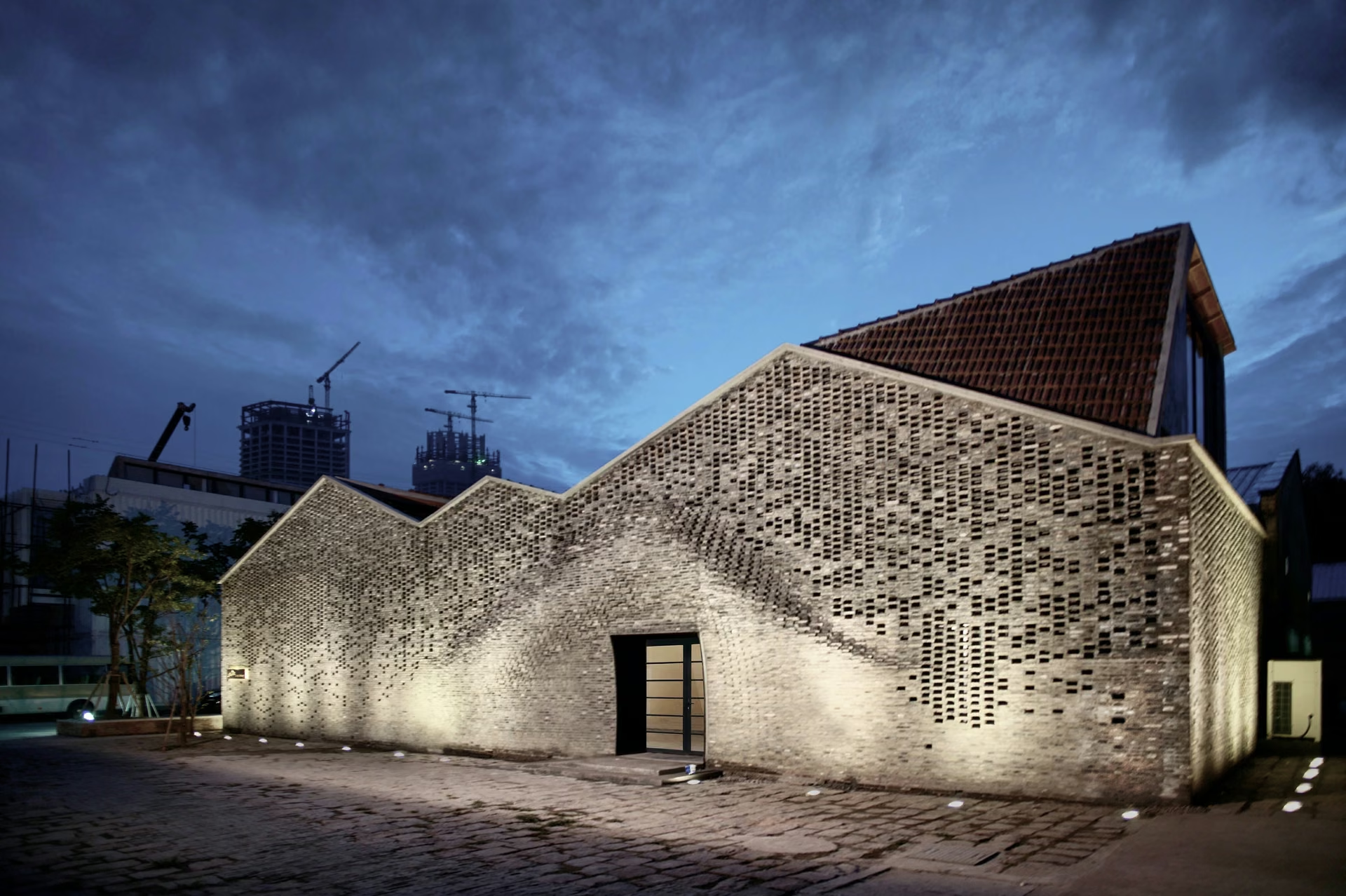
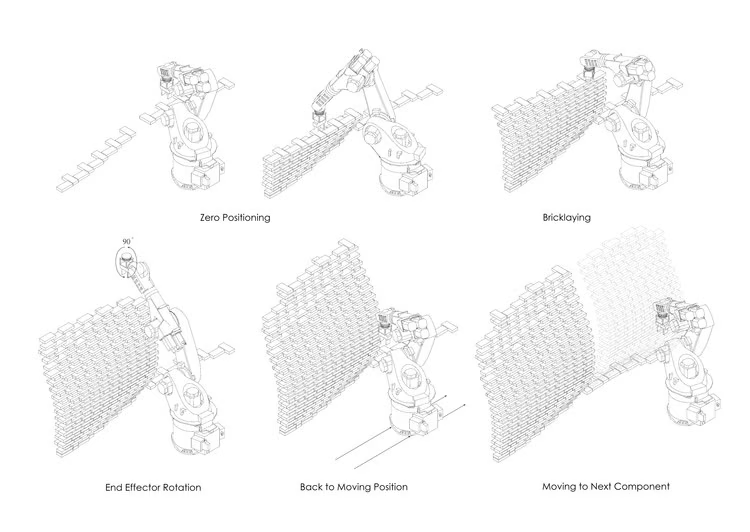

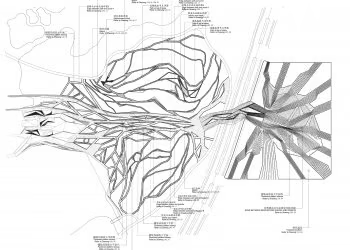

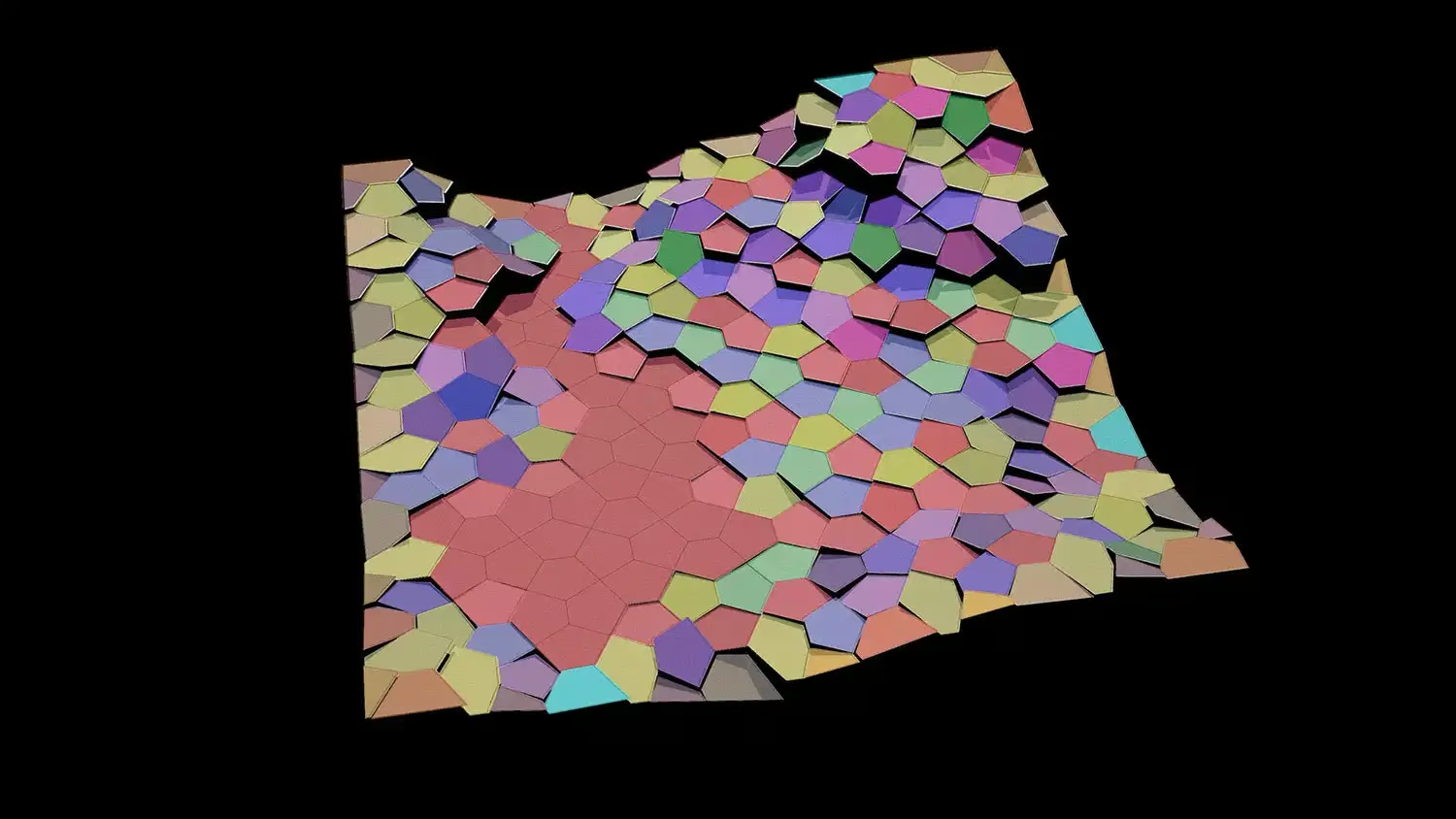

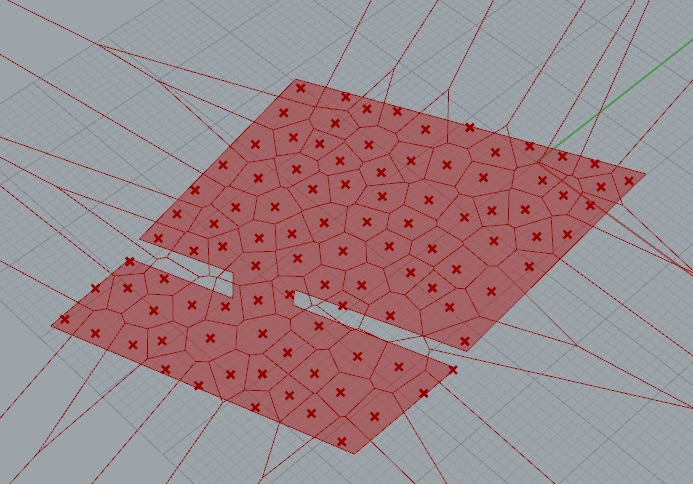
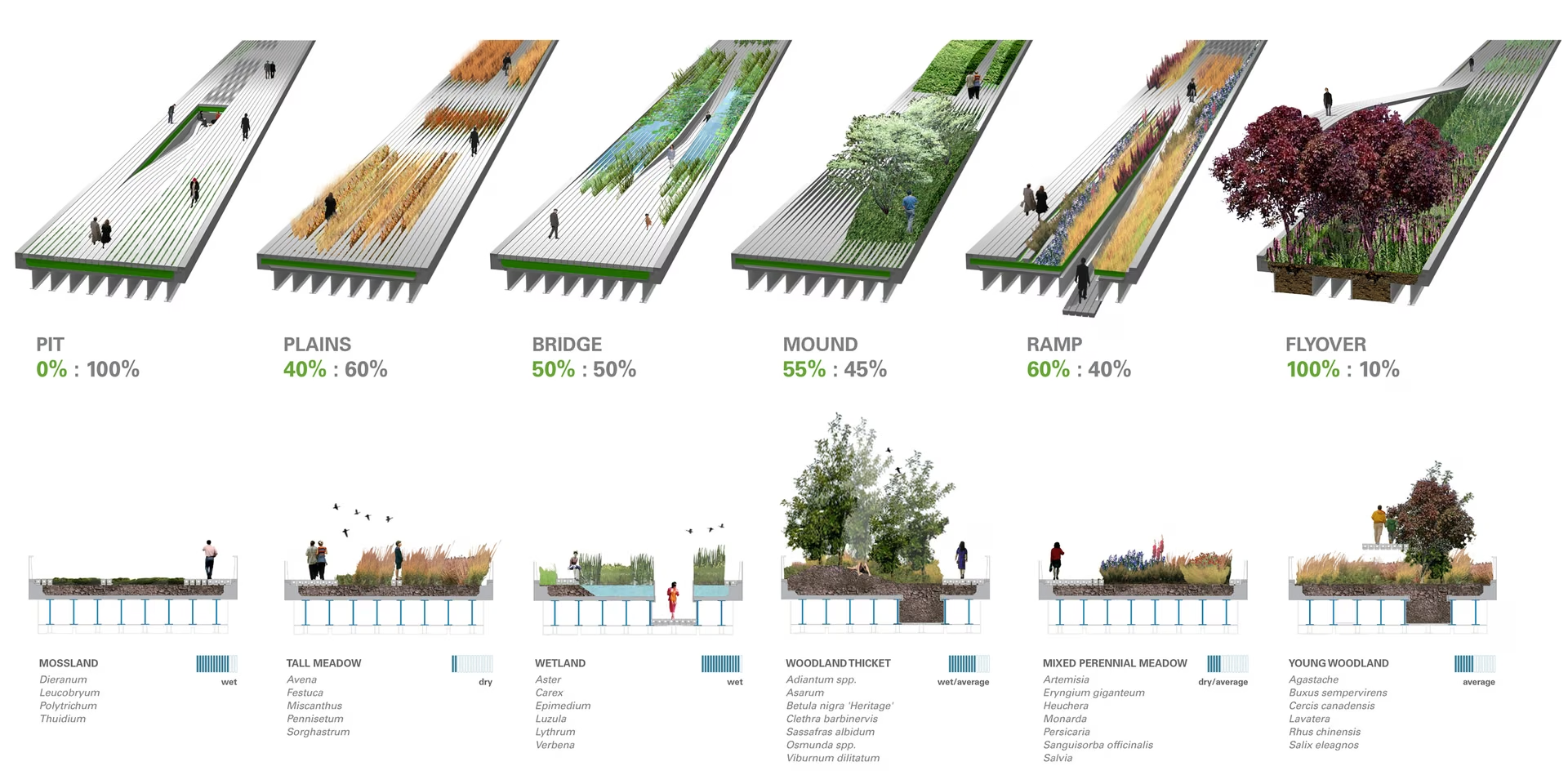
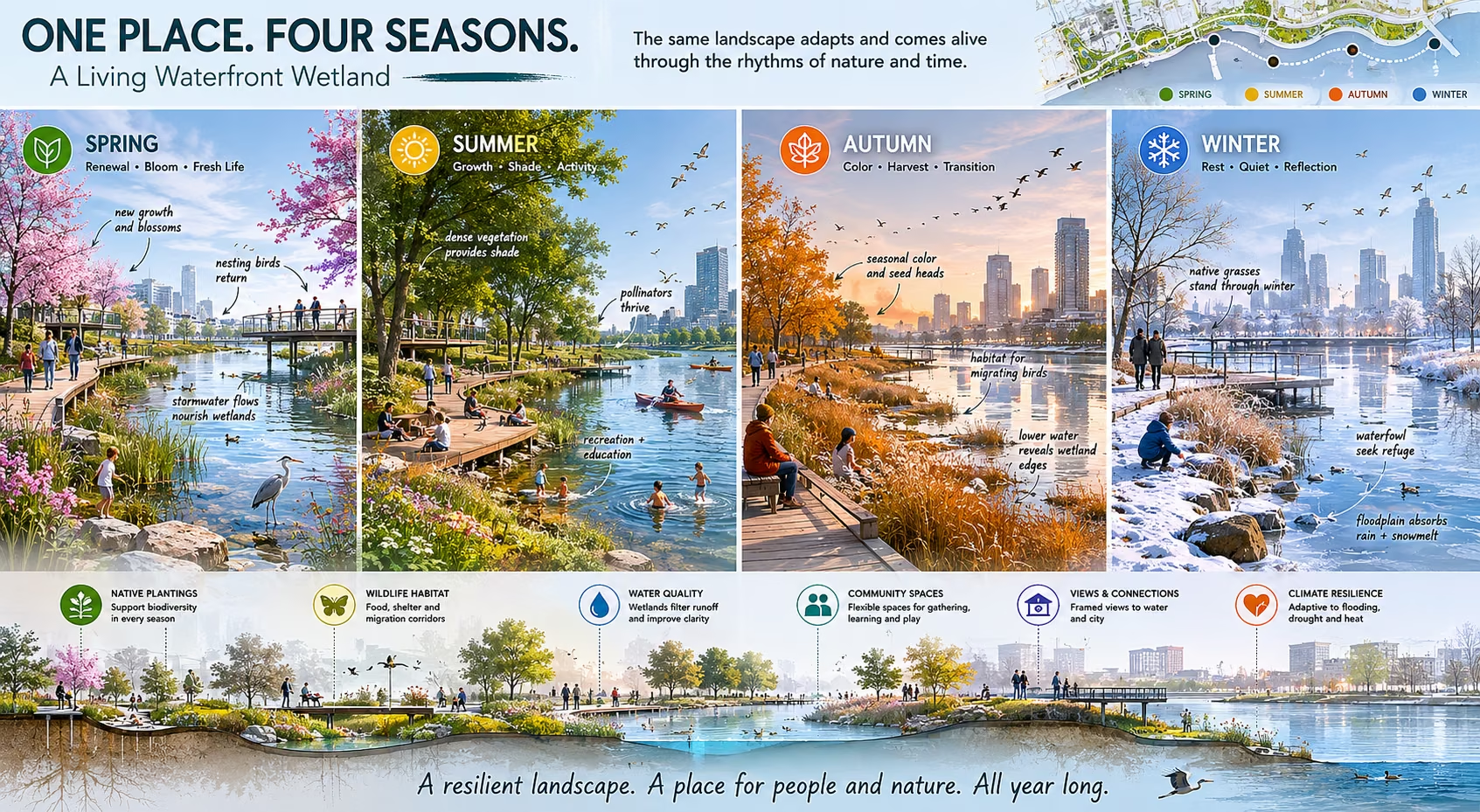
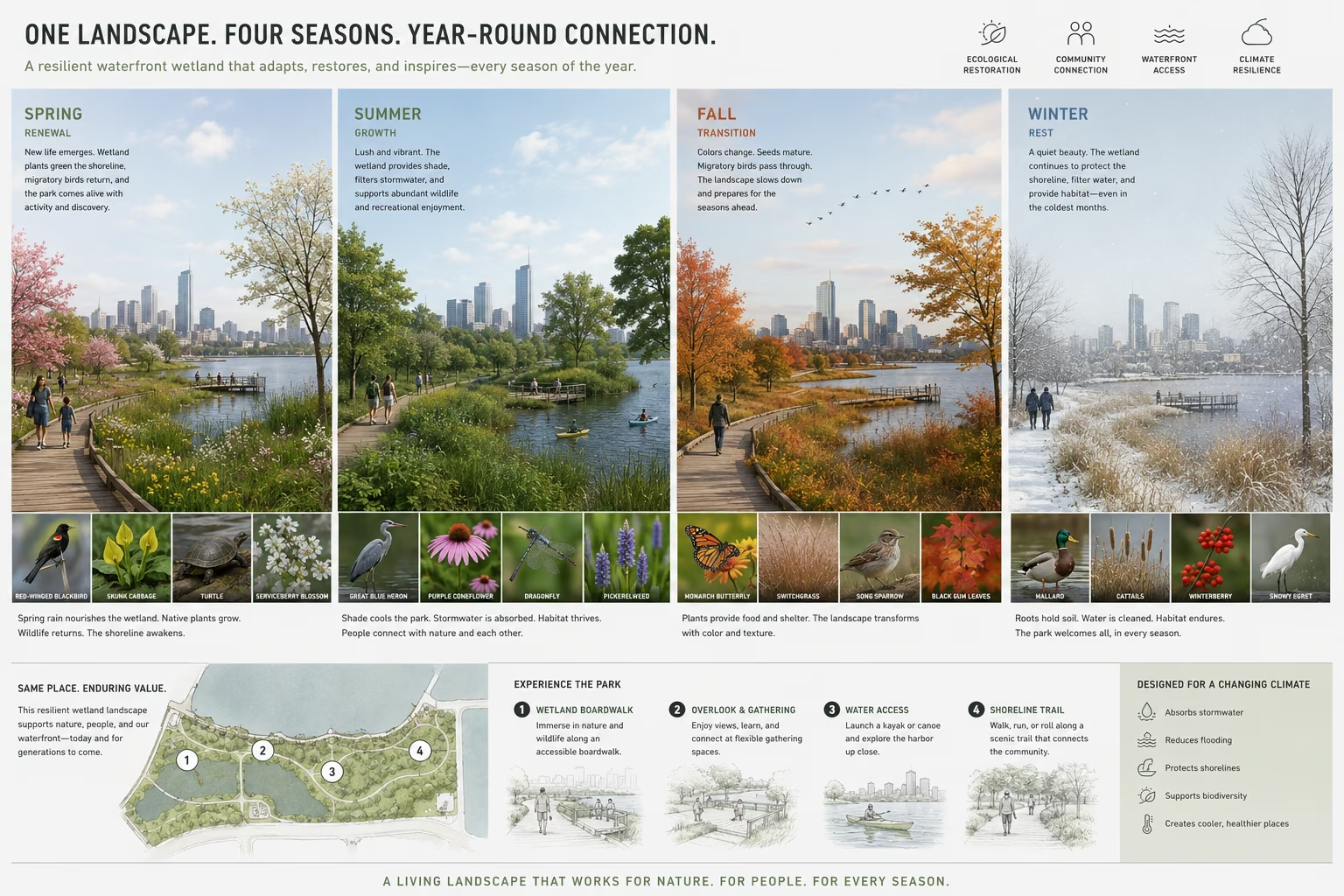
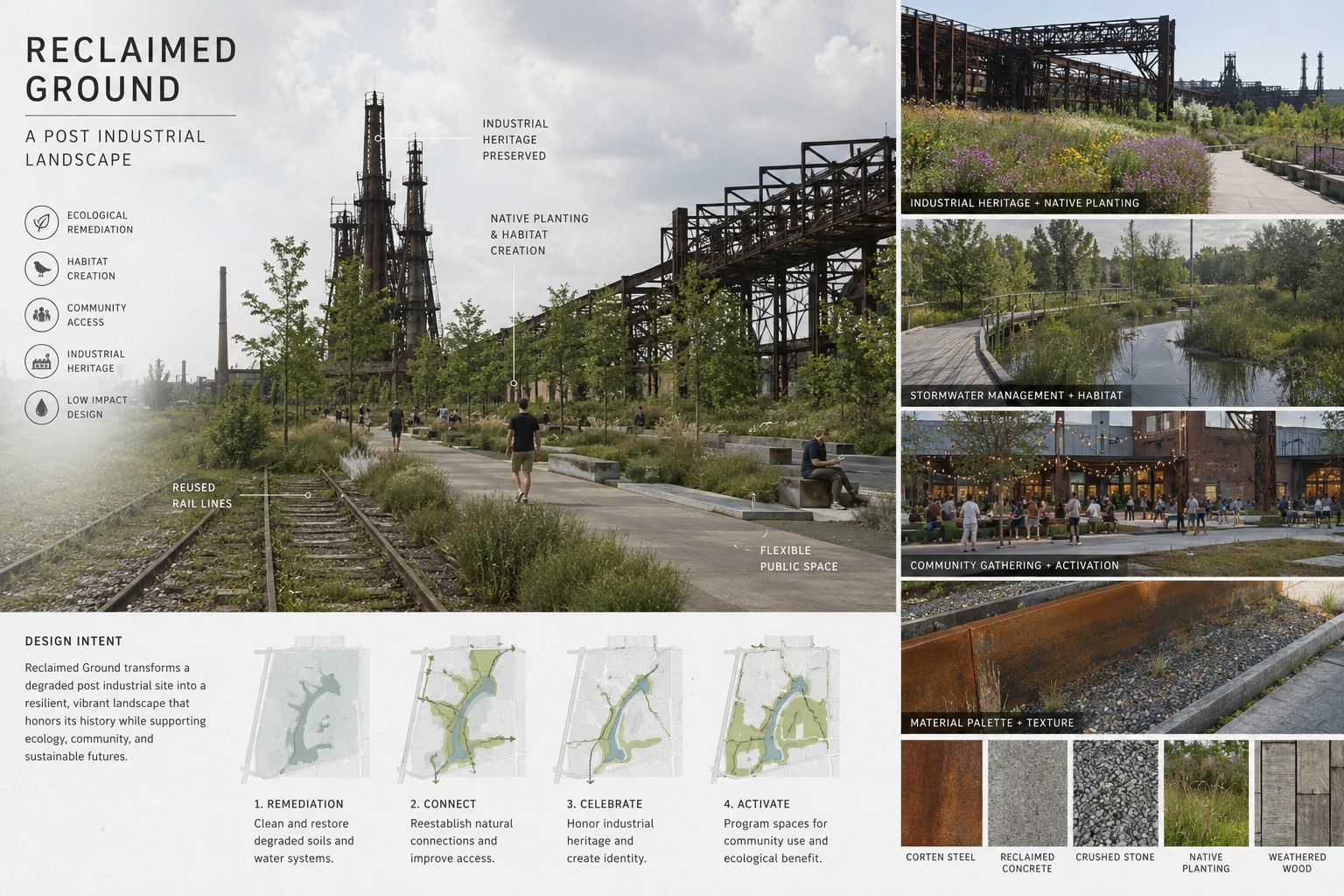
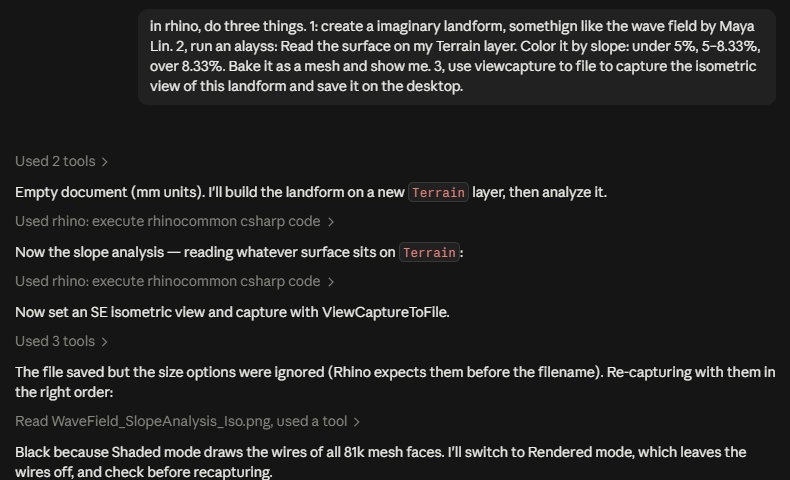
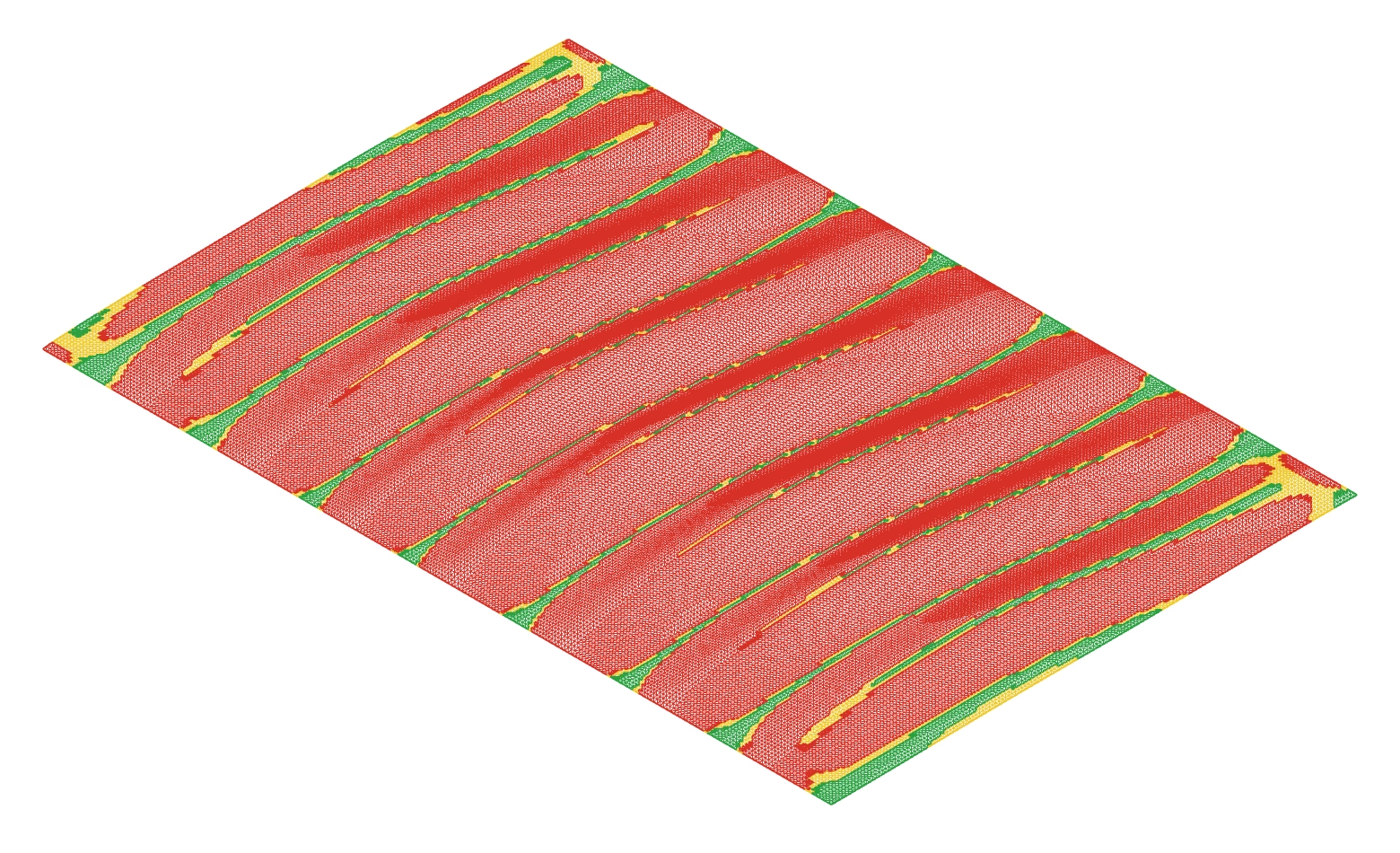
 Rhino + MCP
 Folder contextGitHub setup, then a context file the agent writes and auditsOpen the folder-context guide