GH Agent
Canvas-Aware AI for Grasshopper 3D
2026 · Design Computation
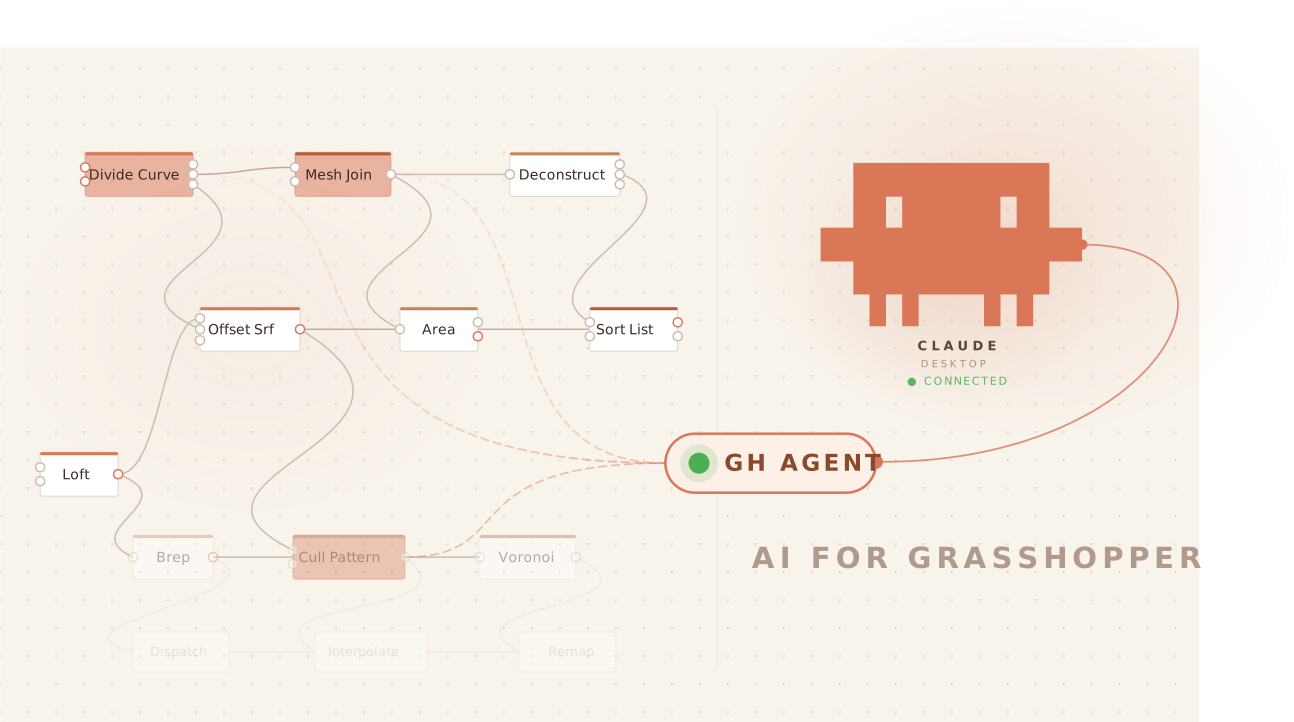
Parametric design workflows in Grasshopper are powerful but opaque — a canvas can hold dozens of interdependent components, and when something breaks, there is no contextual help without leaving the application entirely. GH Agent is an MCP connector that bridges Claude Desktop with Grasshopper 3D, reading the live canvas state so Claude can explain what’s happening, diagnose errors, add components, or write scripts — all from a conversation. Free for students and educators, no API configuration required.
GH Agent was built without prior programming experience. I collaborated with Claude throughout — not as a code generator, but as a technical partner: it explained how MCP worked, reasoned through software architecture options, wrote the code, and occasionally pushed back to sharpen the goal. I drove the project through design instinct — knowing what the tool should feel like, who it was for, and when a technical direction wasn’t right. What emerged was something neither of us could have built alone.
The design profession tends to frame AI in one of two ways: as a faster pencil — just another tool in the workflow — or as a threat that will eventually replace entry-level jobs. Both framings miss what’s actually at stake. Calling AI a tool domesticates it into existing categories of efficiency; treating it as a threat reduces the conversation to labor economics. Neither asks the more interesting question: what becomes possible when a designer thinks with AI as a genuine collaborator, one with capacities that are genuinely different from our own? GH Agent is an attempt to answer that question through practice — not to automate Grasshopper, but to make designers capable of going further than they could before.
Free Windows installer — no admin rights, no terminal required.
GHAgent_Setup_v0.1.exeDownload and install Claude Desktop from claude.ai/download. Create a free Anthropic account or log in if you already have one.
One timeMake sure you’re on the most current Rhino 8 release. GH Agent relies on up-to-date SDK components — older builds may cause compatibility warnings or silent failures. In Rhino, go to Help → Check for Updates.
Download and run GHAgent_Setup.exe. The wizard installs everything — no admin rights, no terminal. It checks for Python 3 and Rhino 8, installs dependencies, and configures Claude Desktop automatically.
~2 minutesClose and reopen Rhino 8 so Grasshopper picks up the new plugin from your Libraries folder.
RequiredOpen Grasshopper, search “GH Agent”, and drop the component anywhere on your canvas. A green status dot confirms it’s running and syncing.
Leave it thereOpen Claude Desktop and describe what you’re trying to build. Claude can read your canvas, diagnose errors, add components, and write scripts — all from a conversation.
You’re liveGH Agent is open source. Whether you’re a designer, developer, or researcher — bug reports, new tools, and ideas are all welcome. The project is especially looking for contributors who work with Grasshopper daily and can help shape what AI assistance should feel like inside a parametric workflow.
→ View on GitHub